Pulze
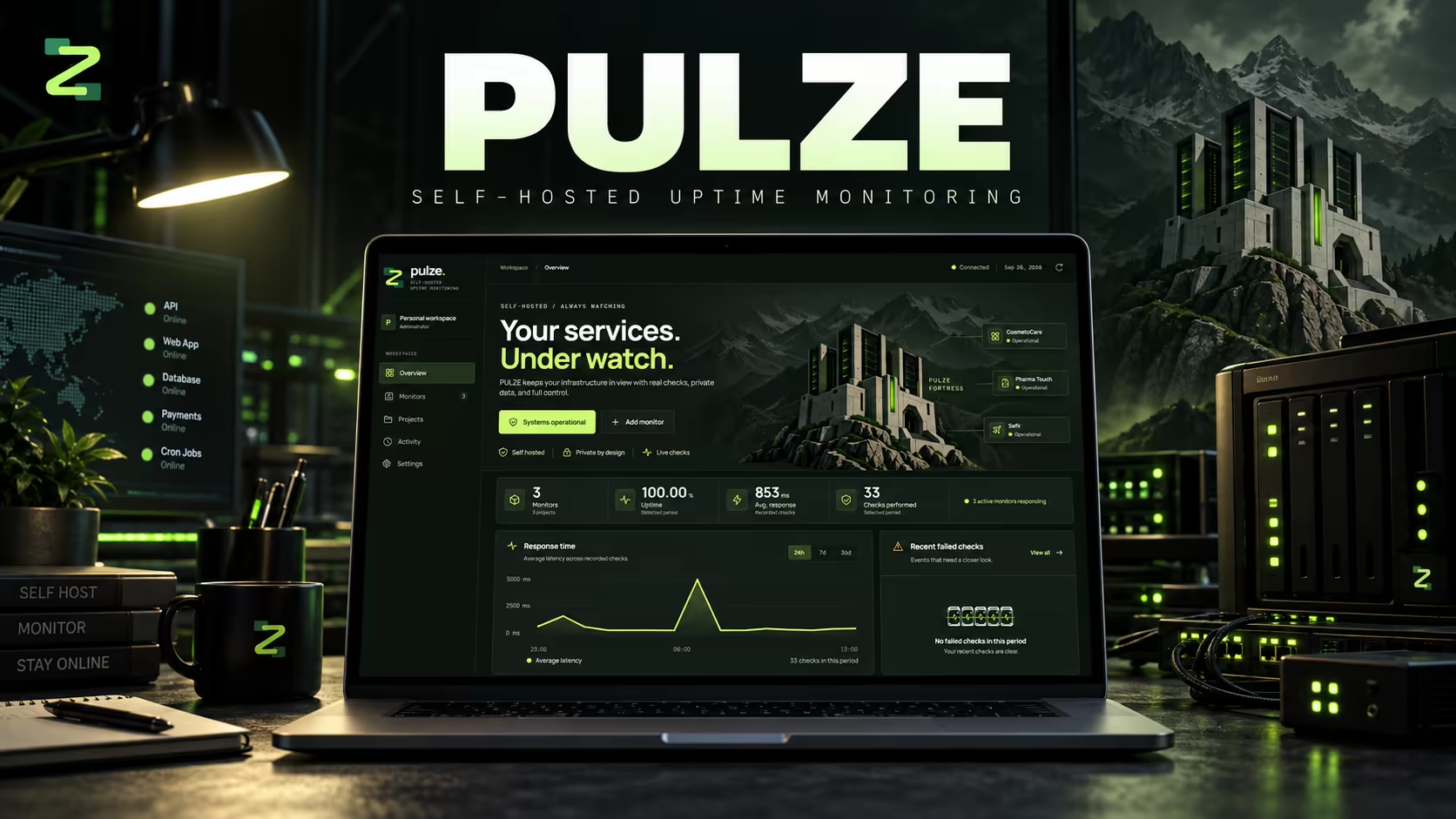
Pulze (branded PULSE) is a self-hosted uptime and keep-alive workspace for people who don't want their infrastructure status sitting on someone else's cloud dashboard. It runs entirely on your own hardware via Docker Compose, monitors APIs, web apps, databases, payment endpoints, and cron jobs, and reports uptime percentage, average response time, and recent failed checks per workspace and project, with a browser-memory-only demo mode for trying it out risk-free.
About This Project
Hosted uptime monitors mean handing a third party visibility into your infrastructure, plus a recurring bill, just to know when your own services go down.
Built a self-hosted monitoring workspace that ships as a Docker Compose stack — Angular frontend, Spring Boot backend, PostgreSQL, Nginx — so all checks, data, and history stay on infrastructure the user already controls.
A two-command self-hosted deployment (`node scripts/setup.mjs` + `docker compose up`) that gives full uptime, latency, and incident visibility across multiple projects without any external account or paid API.
Full-stack Developer
2026
Public
Personal
Technology Stack
Project Story
Hosted uptime monitors mean handing a third party visibility into your infrastructure, plus a recurring bill, just to know when your own services go down.
Built a self-hosted monitoring workspace that ships as a Docker Compose stack — Angular frontend, Spring Boot backend, PostgreSQL, Nginx — so all checks, data, and history stay on infrastructure the user already controls.
A two-command self-hosted deployment (`node scripts/setup.mjs` + `docker compose up`) that gives full uptime, latency, and incident visibility across multiple projects without any external account or paid API.
Insights & Takeaways
Highlights
- Fully self-hosted: no hosted account, paid API, or external font service required to run it.
- Per-workspace dashboards track uptime percentage, average response time, and recent failed checks across grouped monitors.
- Demo mode runs entirely on browser-memory fixtures — never persisted or checked over the network — so it can be tried without touching the real workspace.
Challenges
- Designing a setup script that's genuinely idempotent — it never overwrites an existing `.env`, so re-running it is always safe.
- Keeping the monitoring engine accurate and low-overhead across a mix of check types (APIs, databases, payment endpoints, cron jobs) from one scheduler.
Lessons Learned
- A setup script that refuses to clobber existing configuration removes almost all of the fear around re-running install steps, which matters far more for adoption than any dashboard feature.
Related Work
Case Study
SSCM
Smart call center management platform developed during the NEST Hackathon, features interactive callroom maps, real time sensor monitoring, remote control, user management, analytics, scheduling and automation.
Case Study
Atlas
Intelligent warehouse management system that combines real time inventory tracking, historical analytics and a simulation engine to optimise stock strategies, built with Next.js and modern tools.
Case Study
En Passant, Chess Tournament Platform
A tournament orchestration platform featuring a custom Swiss style pairing engine, live leaderboards, and a protected admin dashboard.
